EZ Load — Franzosini SA, Chiasso (Ticino, Switzerland)
Plan and optimize your cargo loading before contacting our team.
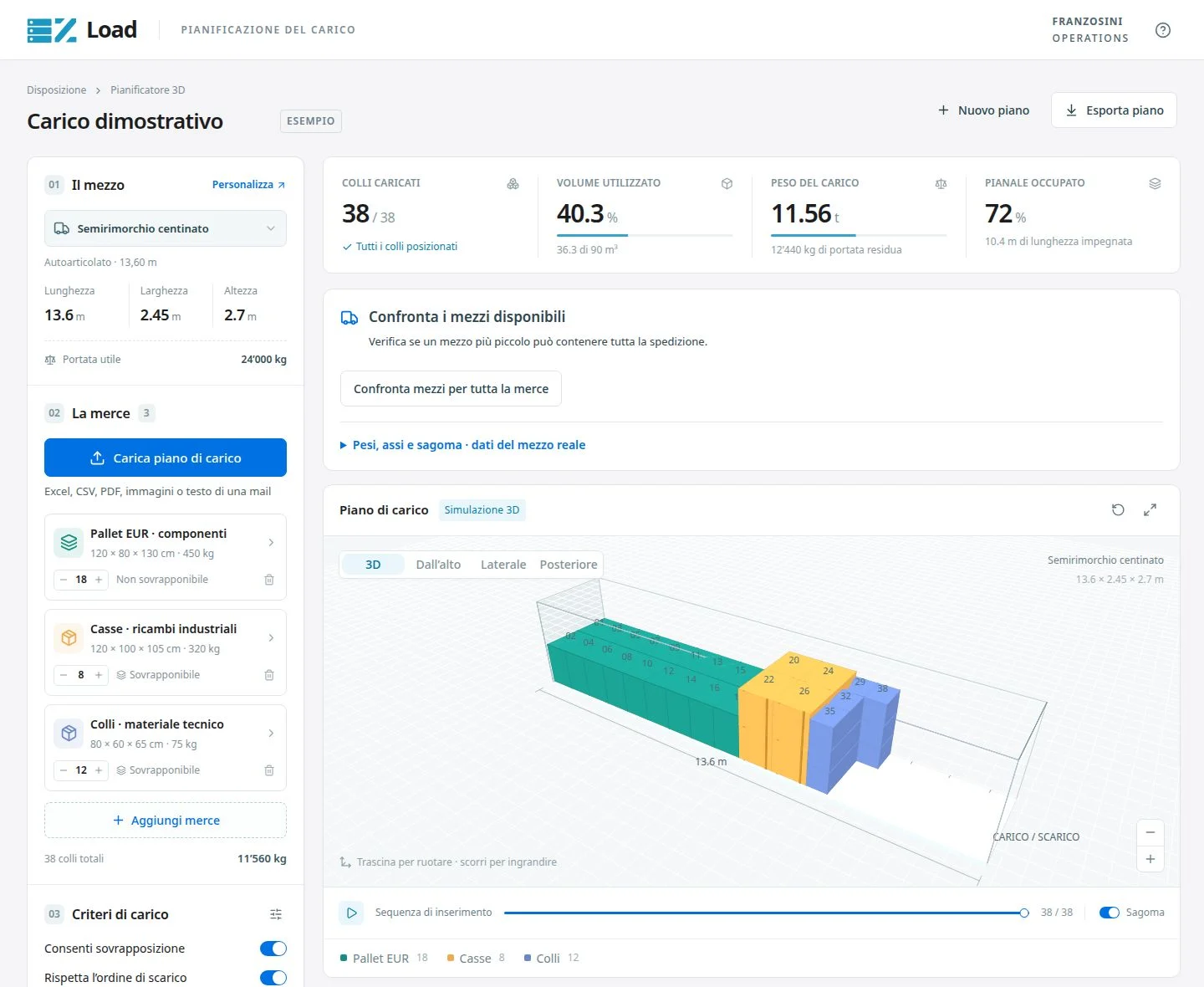
EZ Load is a practical simulator provided by Franzosini for transport operators and customers. It allows you to visually check dimensions, payload, and freight placement before arranging the shipment. Import your data, organize packages in 3D, and prepare a loading plan to review with your contact.
Key Capabilities
- Flexible Import: Load package data manually or import it directly from PDF, CSV, Excel, images, or email text thanks to the local OCR system (no external AI).
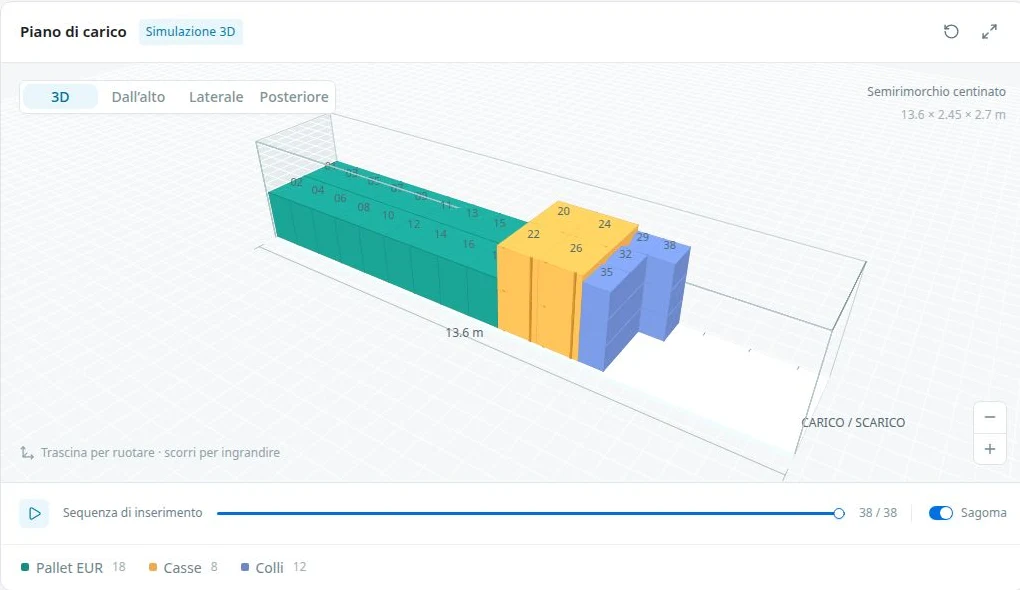
- Interactive 3D Environment: Place and move packages in a three-dimensional space. Visually inspect clearances inside trucks and containers.
- Fleet and Cargo Management: Configure up to 12 vehicle presets, manage 100 item rows, and handle up to 300 single packages for each load simulation.
- Detailed Export: Download the load plan as a PDF, export data to CSV or JSON, or directly print the report for warehouse operations and drivers.
How it works
- 1. Enter Data: Add package dimensions and weights. You can type values or paste them from your transport documents.
- 2. Choose Vehicle: Select the truck or container type from the presets menu to set volume and payload limits.
- 3. View Load Plan: The system proposes a load arrangement. Examine the result, assign residual cargo to another vehicle, and print the report.
Technical note: This tool provides an indicative visual simulation. It does not guarantee absolute optimization or legal compliance. Route restrictions, individual axle distribution, lashing regulations, and dangerous goods transport (ADR) must always be verified by the operator on the actual vehicle. The tool does not automatically save data and the output is not a commercial quote.
Frequently Asked Questions
Is my data saved on your servers?
No, calculations and data processing happen locally in your browser. Ensure you export your project before closing the page.
Which formats are supported for import?
You can paste data from Excel or CSV, drag a PDF or an image. The integrated OCR system will process data directly on your device.
What happens if the cargo exceeds vehicle capacity?
The system lists unplaced packages as residual cargo. You can add another vehicle and plan only the remaining goods, without duplicating packages already assigned.